Curriculum Creator Tools
Learning Management Systems: To build curricula

-
Learning Management System (LMS) used to access and manage online course learning materials and communicate.
-
Includes a variety of customizable course creation and management tools, course and user analytics and statistics, and internal communication tools.
-
Can create and share course content using Assignments, Discussions, Modules, Quizzes, and Pages. Foster a collaborative learning experience using Collaborations, Conferences, and Groups.
-
Website that allows educators to set up a classroom, manage assignments and communicate with learners. You can use to manage multiple students participating in a rotation
-
Can provide grades and feedback directly from the classroom
-
Add materials to your assignments, such as YouTube videos, a Google Forms survey, PDFs, and other items from Google Drive
-
Educators or learners can draw on, write notes, and highlight documents and PDFs in the Classroom mobile app
Tools to create interactive presentations and teach on the fly

NotebookLM is an AI-powered research and note-taking assistant that uses documents you input to summarize PDFs, websites and videos. It creates summaries and teaching tools from multiple sources that you choose. You can create a short summary, create audio (podcast style) and video overviews, slide decks, infographics, quizzes, flashcards and learning guides

-
Game-based learning platform where
-
learners engage from their own devices
-
Multiple choice questions can be created with results provided in real-time
-
Minimal time for educators to create
-
Can play in team mode
-
Can be used asynchronously for assignments
-
Ideas: Use a Kahoot with multiple-choice questions to check for understanding during a lecture
-
Website and app-based tool that lets educators create slide-based learning resources that are interactive for students to engage with and learn from
-
Allows for learners to respond to various types of questions
-
Allows 3D experiences/Virtual Reality experiences
-
Educator can customize from pre-established lessons
-
Ideas: Build slides with multiple types of interactive content all from the same platform: polls, quizzes, draw an answer, Flipgrid and more all in one place

-
Virtual “bulletin board”
-
Learners and educators collaborate, interact, share resources
-
Options for a wall, stream, grid, shelf, map, canvas or timeline
-
Ideas: have learners post questions for discussion, compile resources
-
Slido is an easy to use Q&A and polling platform for live, remote or hybrid meetings, events, classes, and webinars.
-
Slido events can be set up in less than a minute
-
Ideas: Maximize the Q&A time by letting learners vote to crowdsource top questions
-
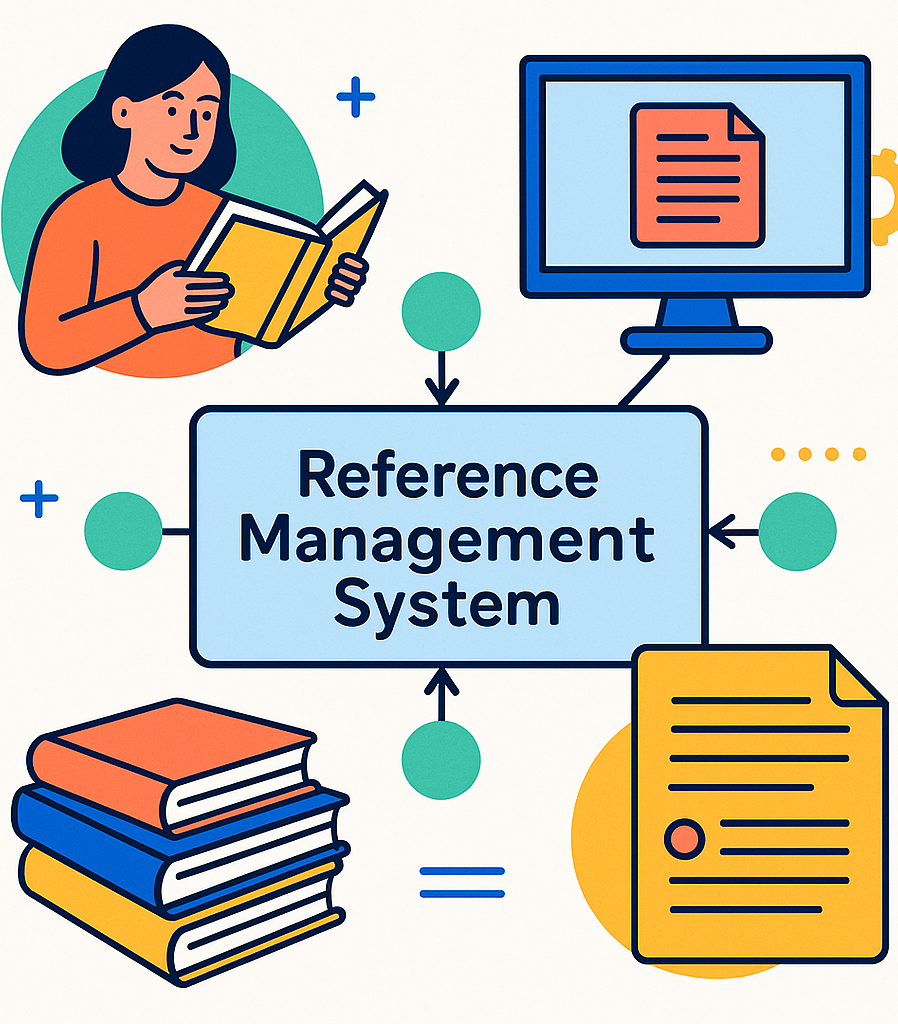
Reference management system
-
Reference, cite and generate bibliographies
-
Create and easily access a library; add papers directly from your browser, import from desktop or send from apps (ex. Inoreader)
-
Start or join a public or private group; groups allow you to follow others’ curated bibliographies and get involved in discussions
-
Zotero can annotate directly on the PDF file/article
-
Ideas: Share favorite articles with learners pertinent to clinic cases, clinical questions or discussions; email articles from your phone
Where to Get Good Graphics
Graphic design platform, used to create social media graphics, presentations, posters, documents and other visual content
(Free with upgrade for fee)
Tool that can assist users in creating a fun and exciting diagram for presentations
Contains millions of public domain and openly licensed images from institutions like the Smithsonian and the National Archives,etc

Provides videos, photos, and illustrations; required fee-based subscription

Provides users with "icons and photos for everything". Copyright restrictions depending on level of account.

Royalty-free images & royalty-free stock for your presentations and creative work
Collections of high-quality photos to use in presentations and online creations
Resources for Building Your Educator Skills
Created by the Autism Self Advocacy Network, this toolkit explains how to make resources easy to read and understand for individuals with autism, intellectual disabilities, and language-based disorders. Easy Read is a specific accessible format characterized by the use of pictures and icons paired with easy-to-understand language

3 year curriculum aimed at teaching faculty to develop, evaluate and disseminate educational interventions. Includes development of an educational research project. Must apply. There is a fee.
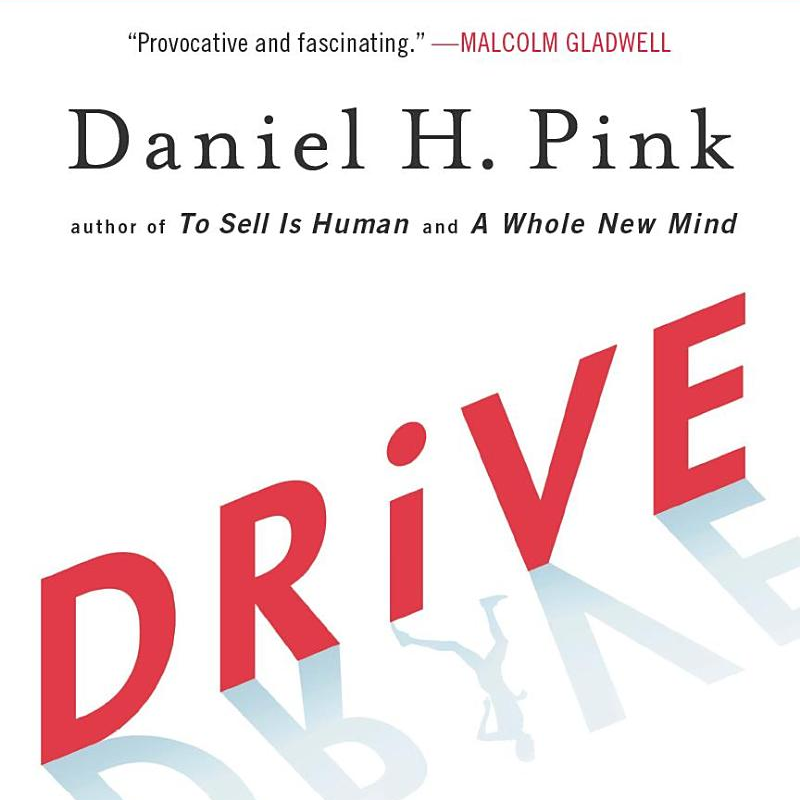
Describes what motivates us - autonomy, mastery, purpose.Useful for educators to understand techniques to motivate learners.
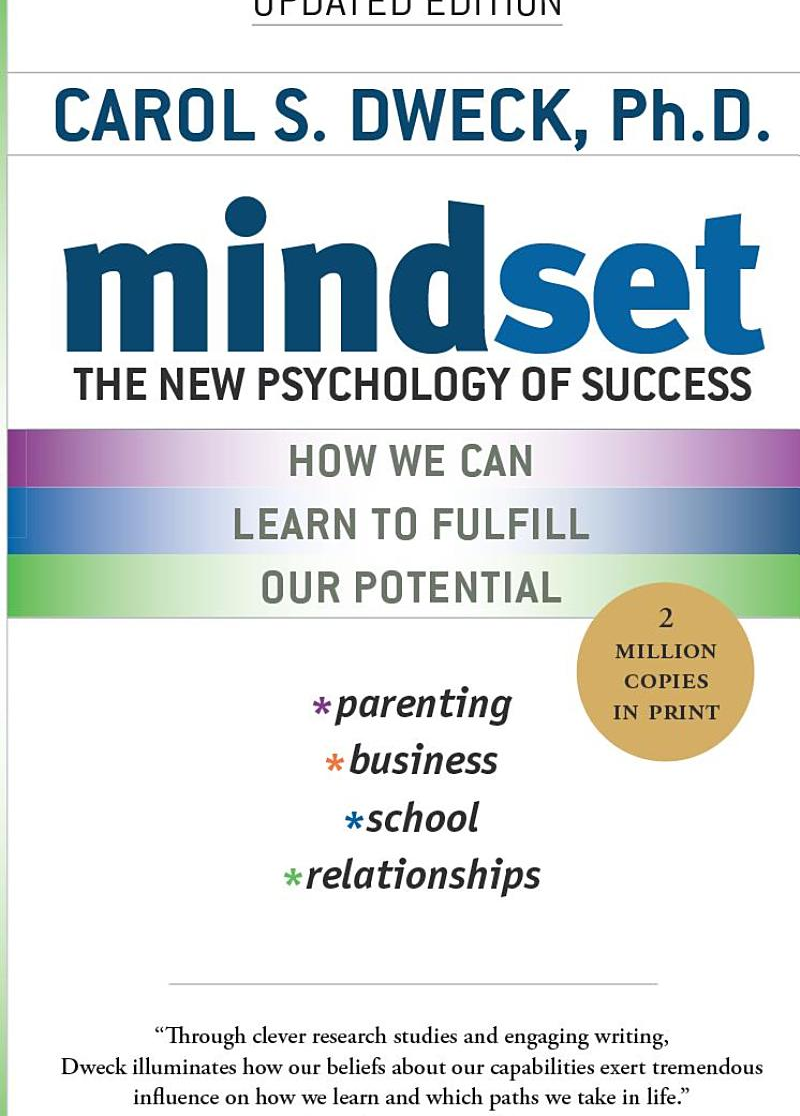
Compares growth and fixed mindsets. Describes how to create a mindset based on the belief that abilities can be cultivated. Helpful for educators looking to encourage students/trainees to feel comfortable sharing what they don't know instead of trying to hide it.
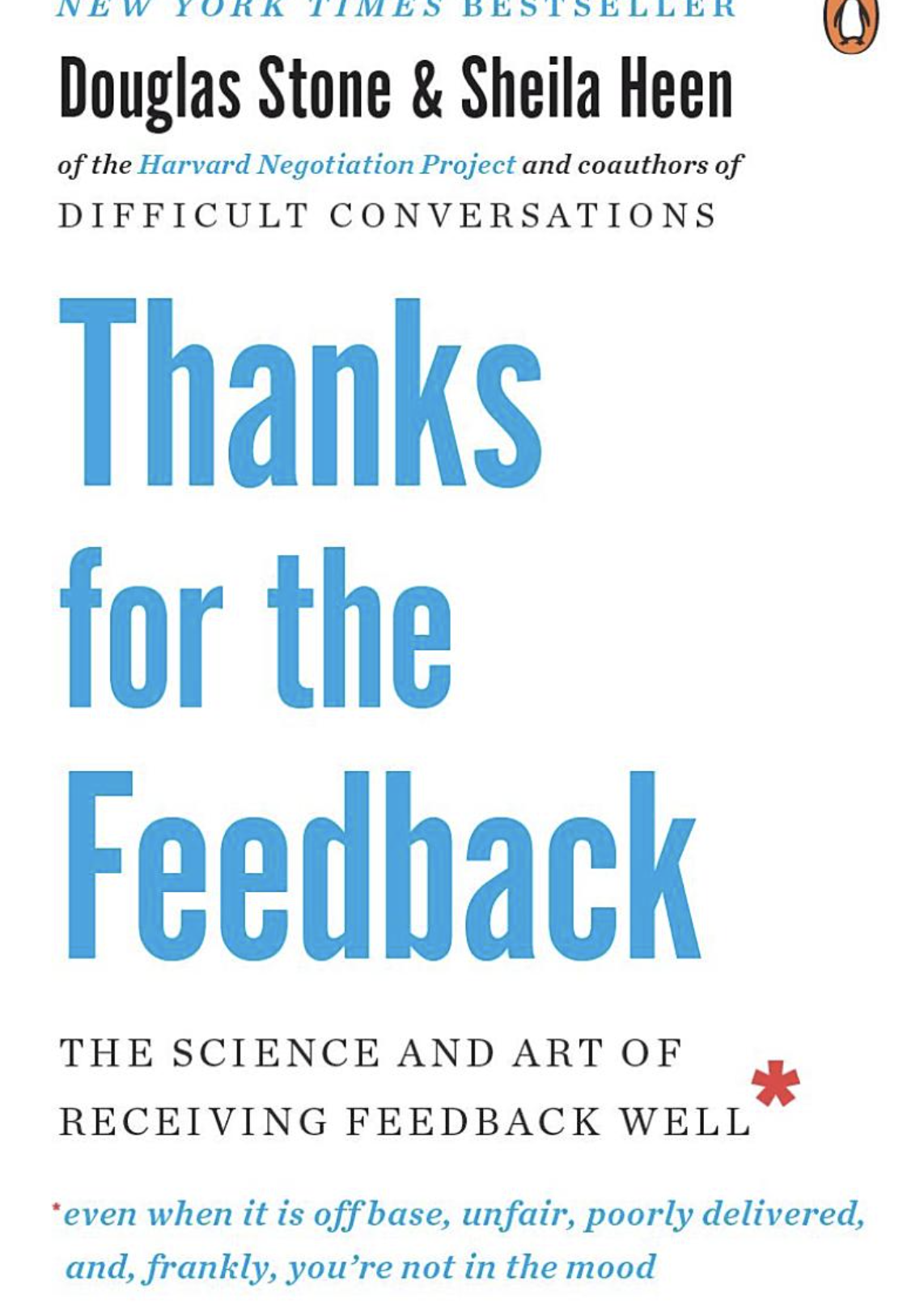
"Thanks for the Feedback is a potentially life-changing look at one of the toughest but most important parts of life: receiving feedback. It's a road map to less defensiveness, more self-awareness, greater learning, and richer relationships. Doug Stone and Sheila Heen have delivered another tour de force."
~Adam Grant, Wharton professor and author of Give and Take